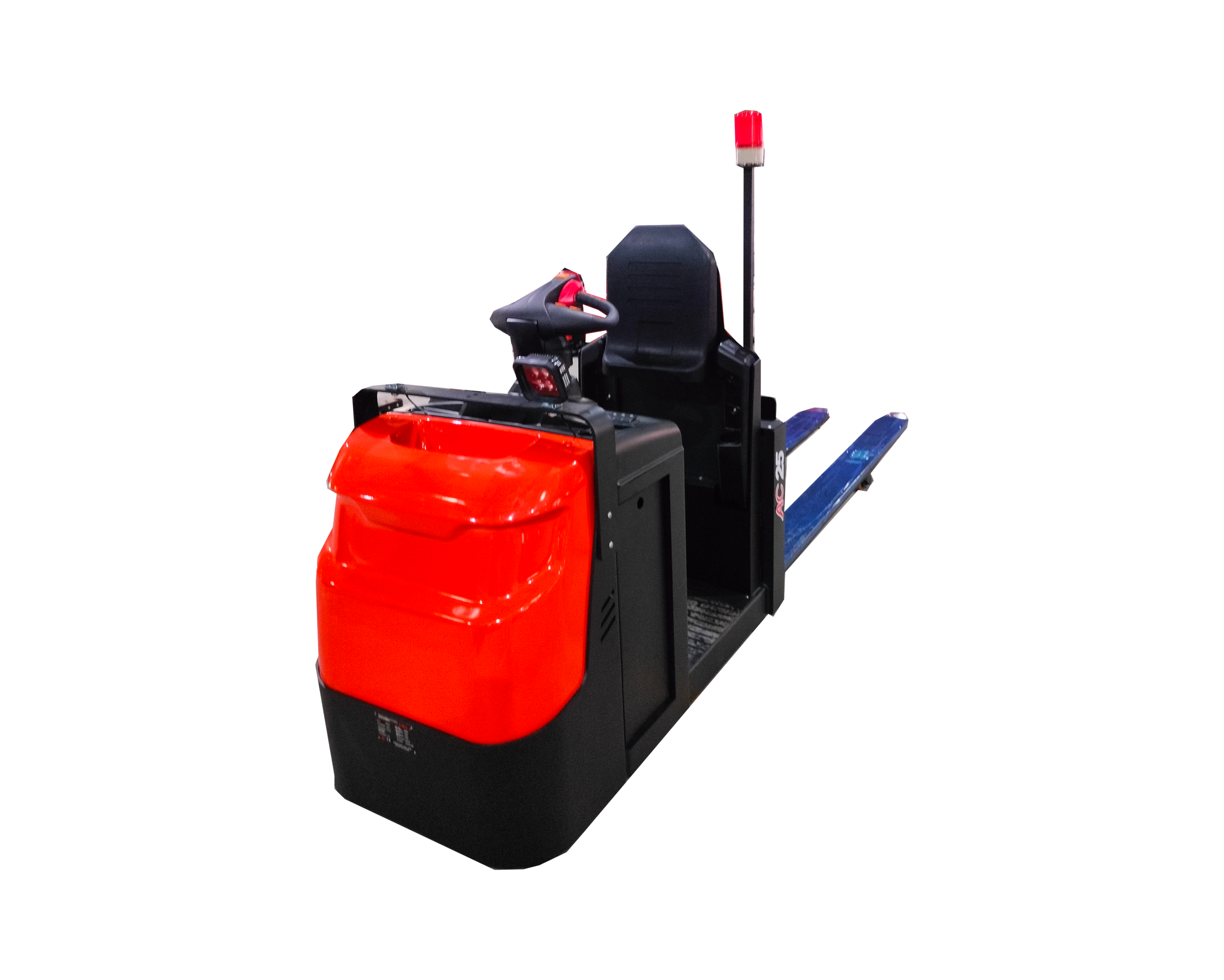
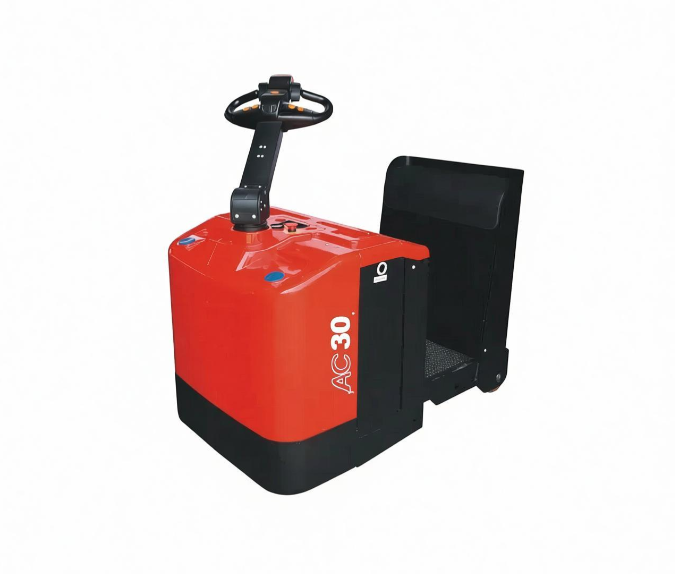
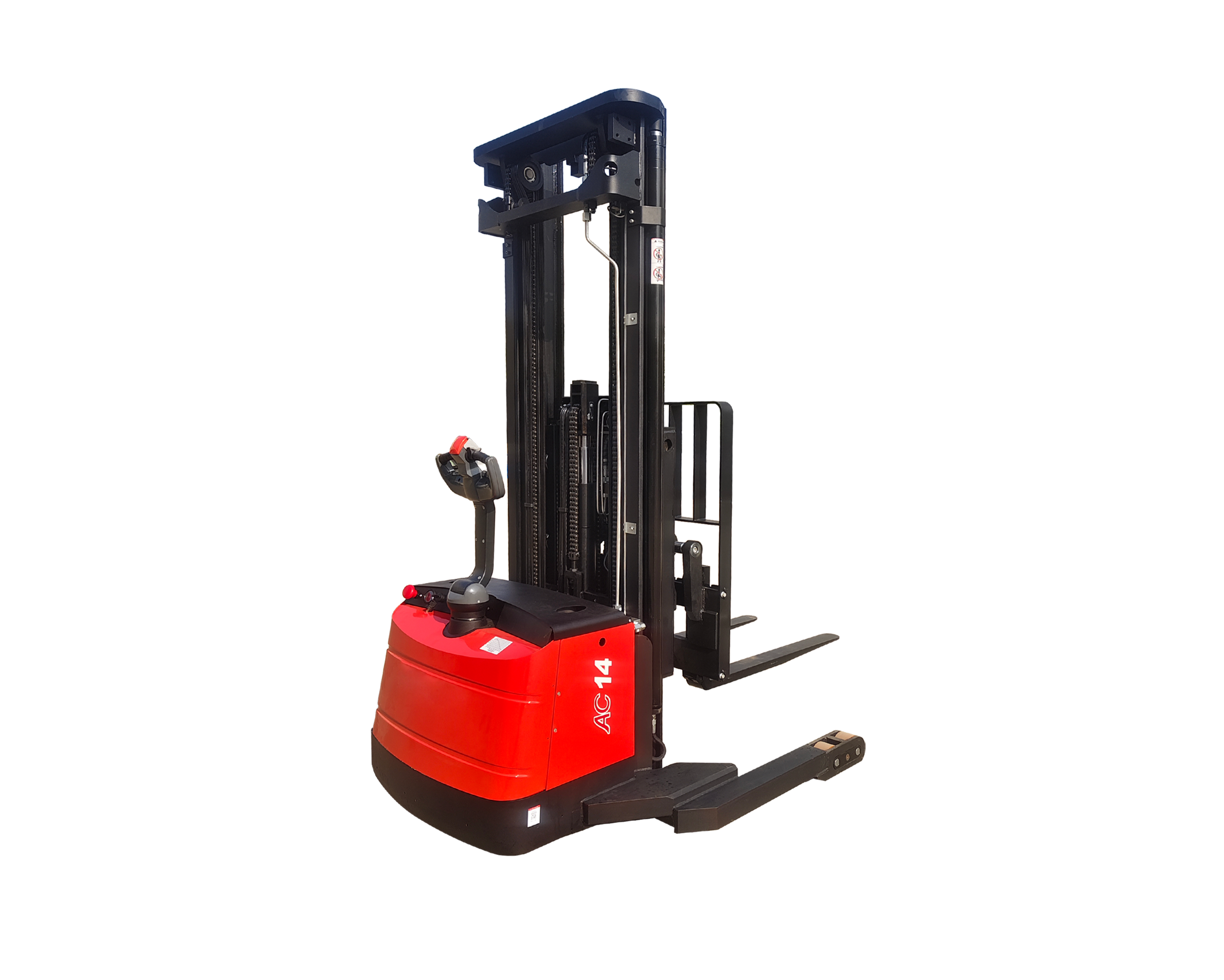
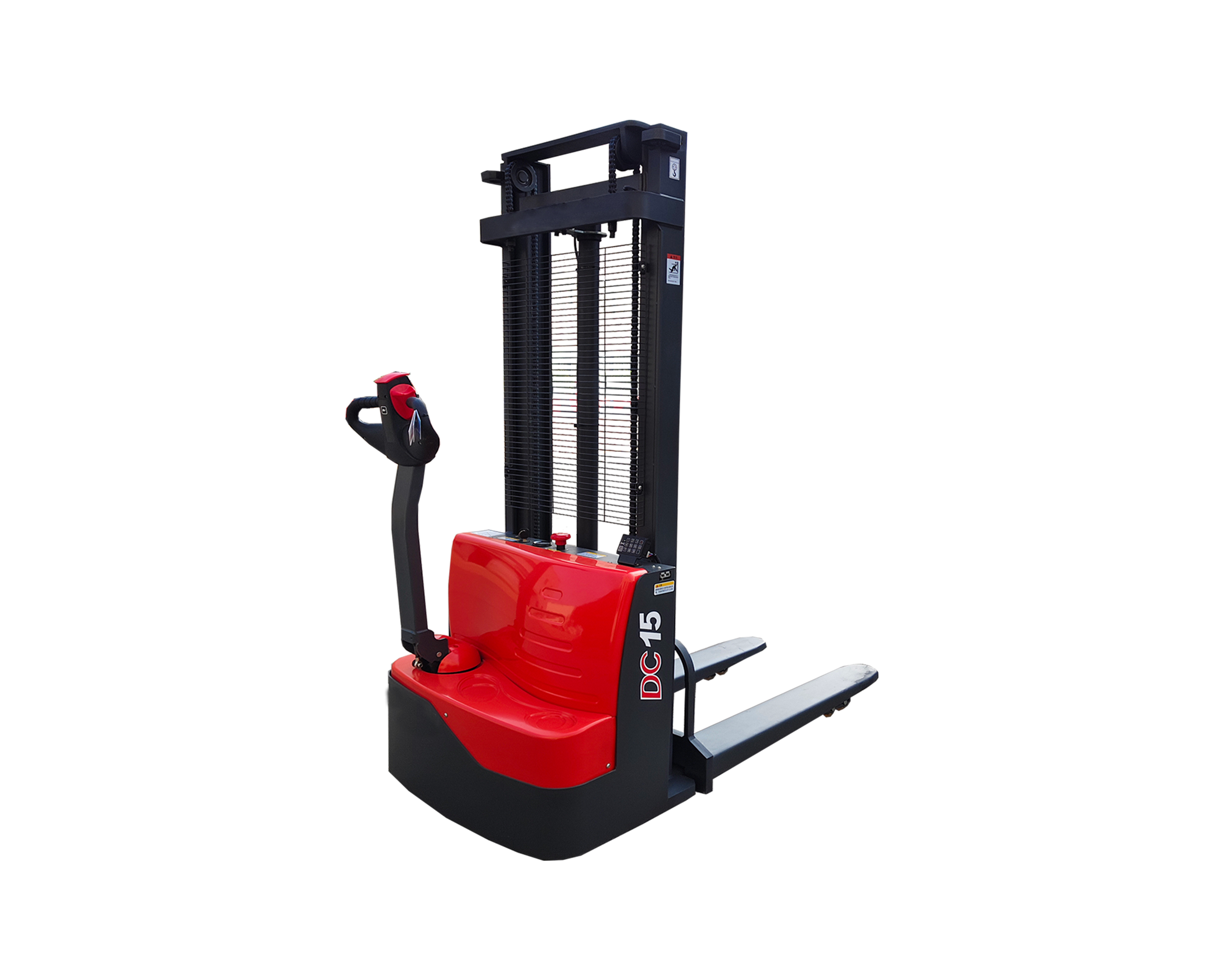
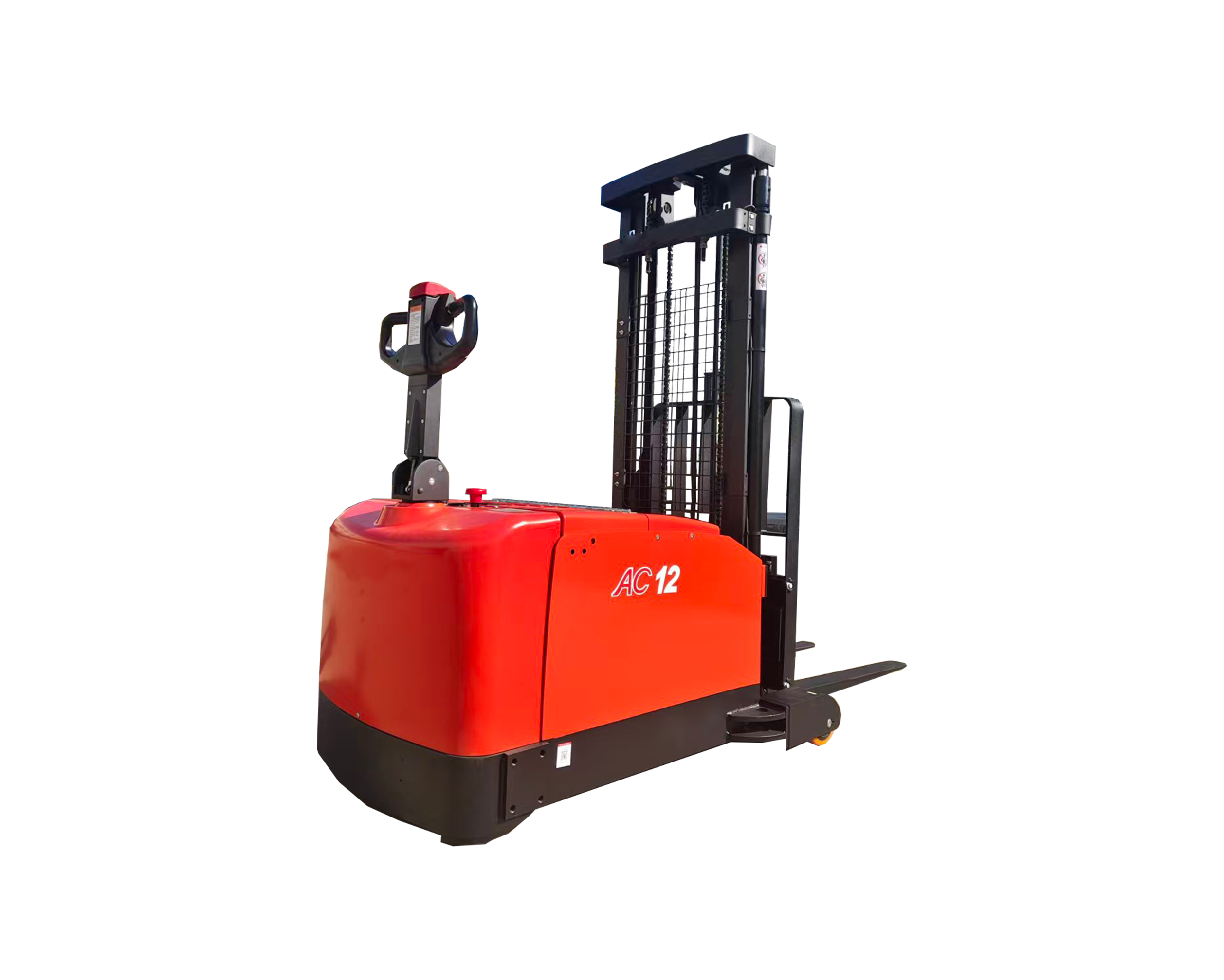
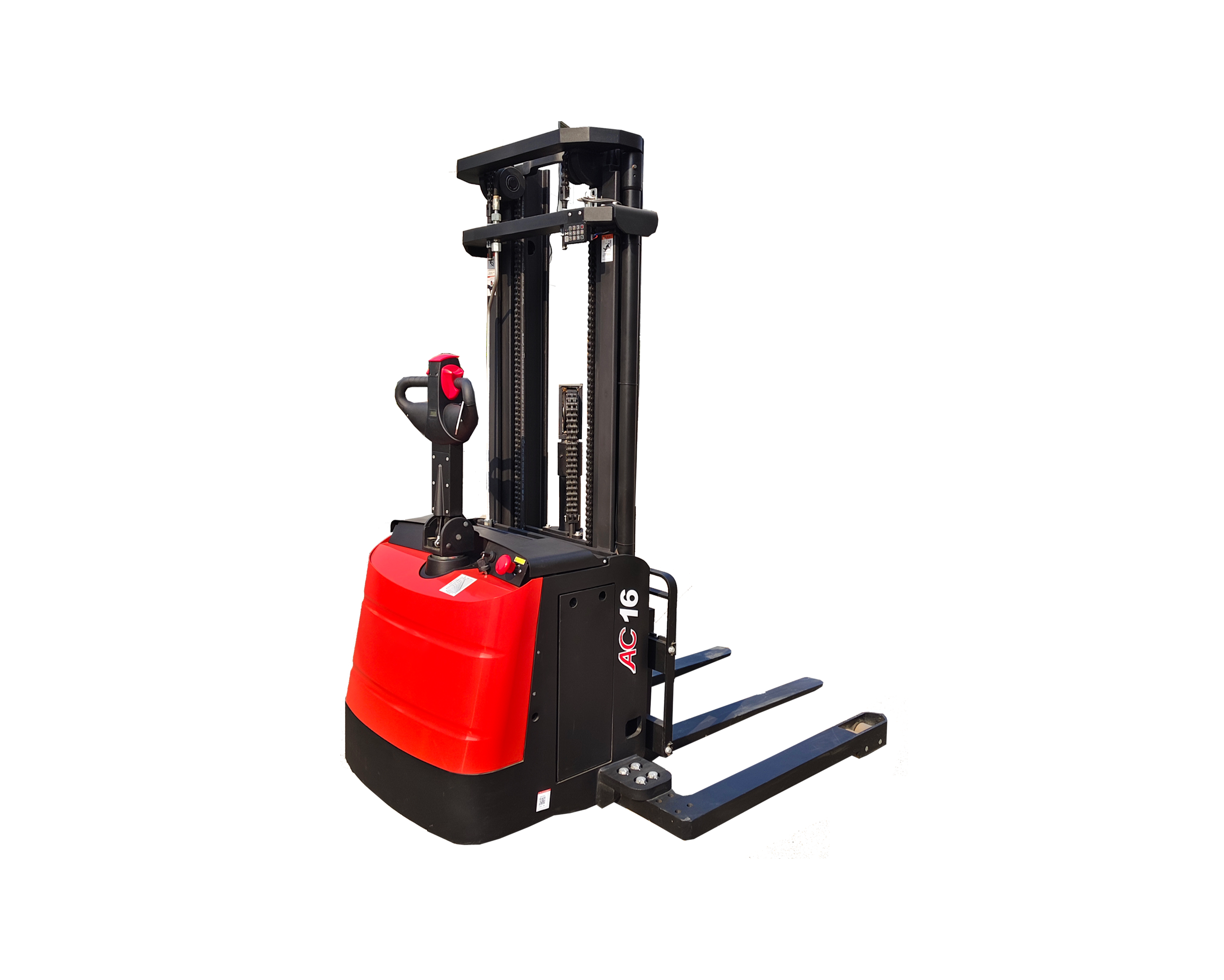
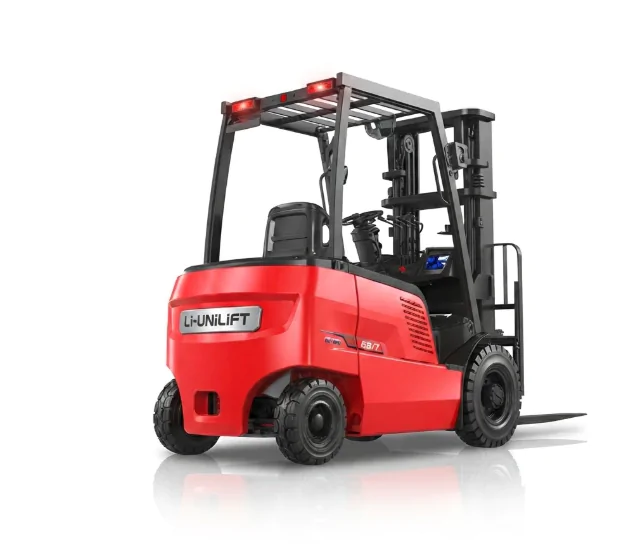
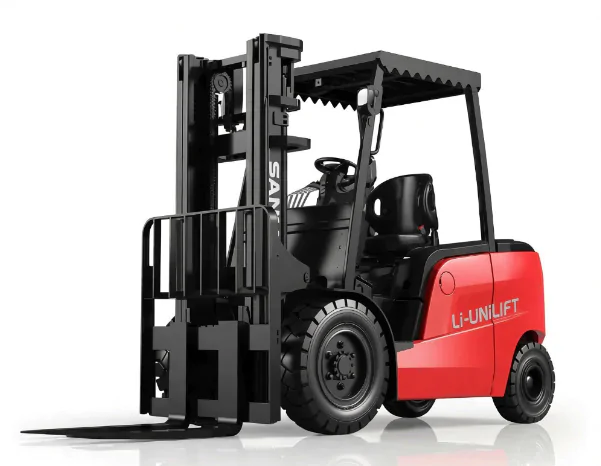
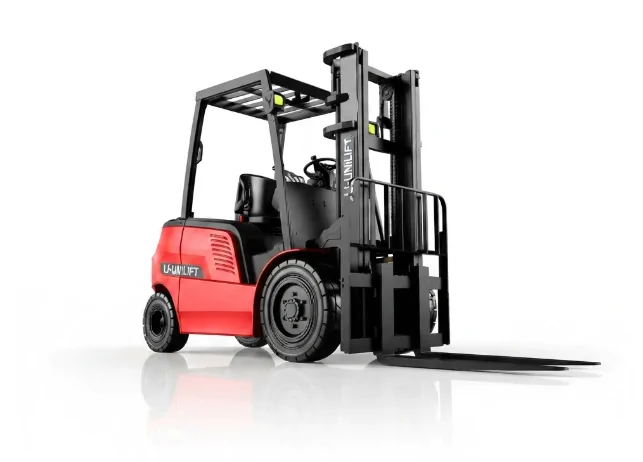
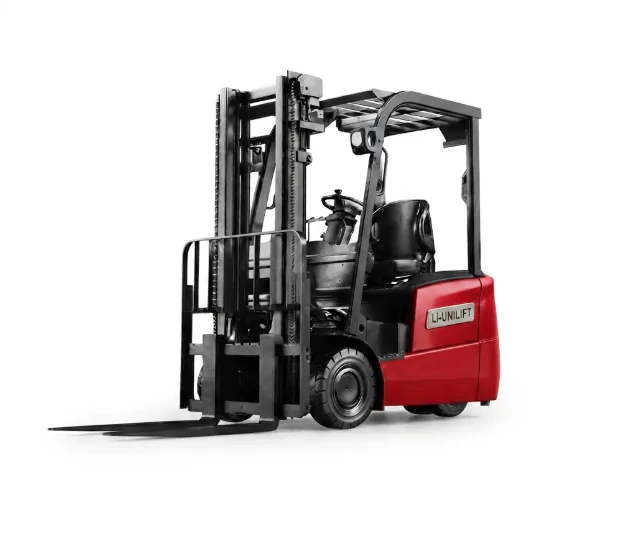
An electric stacker pre-operation inspection helps operators identify visible damage, mechanical problems, electrical faults, and safety issues before moving or lifting a load. A systematic inspection should cover the battery, forks, mast, hydraulic system, wheels, brakes, steering and travel controls, and applicable safety devices.
For warehouses, factories, and distribution centers, checking the equipment before each shift or use can help reduce preventable downtime and identify conditions that may make operation unsafe. The exact procedure depends on the stacker model, its operating manual, and the site’s safety requirements.
Important: If you find a defect that could affect safe operation, do not use the stacker until the issue has been assessed and resolved by an authorized person.
1. What Is an Electric Stacker Pre-Operation Inspection?
An electric stacker pre-operation inspection is a systematic check of the equipment’s condition and operating functions before it is put into service. It helps operators identify potential problems before the machine is used to transport or lift materials.
A typical inspection covers three areas:
- Visual condition: Look for damaged forks, cracked components, loose parts, fluid leaks, and damaged cables.
- Operating functions: Check the travel controls, lifting and lowering functions, steering, and brakes in a safe test area.
- Safety devices: Verify the applicable warning devices, emergency controls, and other safety features according to the manufacturer’s instructions.
Why Is a Pre-Operation Inspection Important?
A consistent inspection routine can help:
- Identify hazards early: Detect visible damage or abnormal operating conditions before handling loads.
- Reduce unexpected downtime: Report developing problems before they lead to more serious equipment failures.
- Support maintenance planning: Keep records of recurring defects and repairs.
- Maintain reliable operation: Help ensure the equipment is suitable for the intended task.
An inspection does not replace scheduled maintenance, professional servicing, or operator training. It is one part of a broader equipment safety and maintenance program.
2. Prepare Before Inspecting the Electric Stacker
Before starting, make sure the inspection can be performed safely.
Review the Equipment Information
Confirm the stacker’s model and identify any previous faults, maintenance notes, or outstanding repair requests. Consult the operator’s manual if you are unsure how to check a particular component or function.
Also confirm that the equipment’s rated capacity and configuration are suitable for the intended work.
Park the Stacker Safely
Where applicable, park on a firm, level surface away from pedestrian traffic and other moving equipment. Lower the forks fully, place the controls in the prescribed safe position, and switch off the power before conducting static checks.
Follow the manufacturer’s instructions for isolating the equipment. Some functional tests require power to be switched on, so complete static checks first and perform powered tests only in a controlled, clear area.
Wear Appropriate Personal Protective Equipment
Use the personal protective equipment required by the workplace, which may include safety footwear, high-visibility clothing, and protective gloves for tasks that require them.
Never place hands or other body parts near moving chains, rollers, wheels, or mast components during a functional test.
3. Inspect the Overall Condition of the Electric Stacker
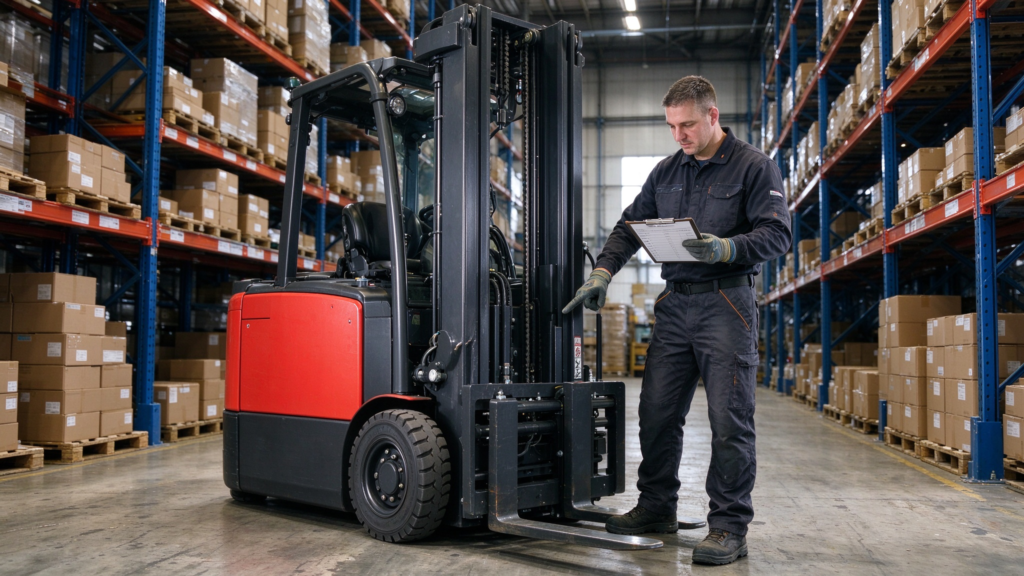
Start with a walk-around inspection. Look for visible damage or anything that appears different from the equipment’s normal condition.
3.1 Check the Frame and Exterior Components
Inspect the frame, mast structure, protective panels, covers, and accessible fasteners for:
- Cracks, bending, or deformation
- Missing or loose components
- Damaged covers or protective guards
- Signs of impact or unusual wear
Pay particular attention to structural damage around load-bearing components. If you suspect a crack or deformation in the frame, mast, or forks, take the stacker out of service and report the issue.
3.2 Look for Hydraulic Fluid or Other Leaks
Check the floor beneath the equipment and visually inspect accessible areas around hydraulic cylinders, hoses, and connections.
Look for wet patches, drips, damaged hoses, or fluid residue that may indicate a leak. Do not touch a suspected pressurized leak or use your hand to search for escaping hydraulic fluid.
If a leak is found, do not operate the stacker until the problem has been assessed and repaired by qualified personnel.
3.3 Look for Abnormal Wear or Missing Parts
Check for loose components, unusual rubbing marks, damaged guards, and other signs of wear. If the stacker has recently produced unusual noise, vibration, or movement, record the symptoms and report them before use.
4. Inspect the Battery and Electrical Power Supply
The battery supplies energy for the stacker’s drive system, lifting functions, and electrical controls. Battery condition and electrical connections should be checked according to the battery type and equipment manual.
4.1 Check the Battery Charge and Display
Confirm that the battery has sufficient charge for the planned work. Check the display for warning indicators, fault messages, or other abnormal readings.
Do not assume that a fully charged battery guarantees safe operation. Battery warnings, damaged cables, or other electrical faults still need to be addressed.
4.2 Inspect Accessible Cables and Connections
Look for:
- Damaged or exposed wiring
- Loose or visibly damaged connectors
- Corrosion or unusual discoloration
- Damaged battery enclosures or covers
Do not disconnect live electrical connectors or attempt electrical repairs unless you are trained and authorized to do so.
4.3 Follow the Correct Procedure for the Battery Type
For lead-acid batteries: Check the battery casing, accessible terminals, and any visible signs of leakage or damage. Electrolyte level and other internal checks should be performed only where applicable and in accordance with the battery manufacturer’s procedure by trained, authorized personnel.
For lithium-ion batteries: Check the battery status and warnings through the equipment’s designated display or battery management system (BMS), if available. Do not open the battery pack or attempt internal repairs.
If the battery is damaged, unusually hot, leaking, swollen, or displaying a serious fault, follow the site’s battery safety procedure and do not use the equipment until it has been assessed.
5. Inspect the Forks and Mast System
The forks and mast support the load during lifting and lowering. Damage or excessive wear in these components can compromise safe load handling.
5.1 Check the Forks
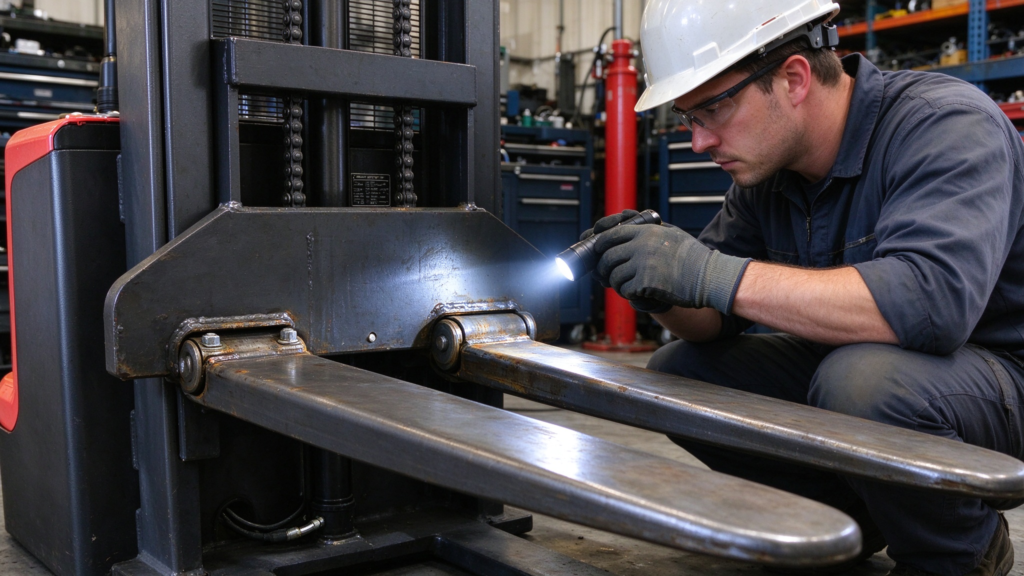
Inspect both forks for:
- Cracks or visible deformation
- Uneven or excessive wear
- Damage to the fork tips or heels
- Misalignment or differences that appear abnormal
Make sure the forks are appropriate for the intended load and pallet configuration. Never use damaged forks to handle a load.
If a fork appears bent, cracked, or excessively worn, remove the stacker from service and request an assessment by qualified personnel.
5.2 Inspect the Mast and Lifting Components
Where visible and accessible, check the mast rails, lifting chains, rollers, and guide components for obvious damage, excessive wear, missing parts, or abnormal alignment.
Do not put your hands into the mast assembly or reach between moving components. Inspection, adjustment, and lubrication requirements vary by model and should follow the manufacturer’s instructions.
5.3 Check Lifting and Lowering Functions
After completing static checks, test the lifting and lowering functions in a clear, controlled area, following the operator’s manual.
Observe whether the forks respond smoothly and whether the system shows unusual noise, jerky movement, or other abnormal behavior. Keep people clear of the forks and mast throughout the test.
If the forks do not respond normally, stop the test and report the problem. Do not attempt to compensate for an apparent fault by repeatedly cycling the lifting controls.
6. Inspect the Hydraulic System
The hydraulic system provides lifting force on stackers that use hydraulic lifting. Its condition can affect lifting performance and equipment reliability.
6.1 Check Hydraulic Oil Where Applicable
If the model has a user-serviceable hydraulic oil inspection procedure, check the level and condition according to the manual. Use the specified inspection position and equipment state.
Do not guess the correct oil level or add an unspecified hydraulic fluid. Low oil, contaminated fluid, or an incorrect fluid type may require maintenance by qualified personnel.
6.2 Inspect Hoses and Connections
Look for visible leaks, cracks, abrasion, bulging, or damaged fittings around accessible hydraulic hoses and connections.
A damaged or leaking hydraulic component should be reported and repaired before the stacker is returned to service. Never use your hands to locate a pressurized leak.
6.3 Observe Hydraulic Operation
During the authorized functional test, check for smooth and predictable lifting and lowering. Slow movement, unexpected movement, unusual noise, or an inability to hold the forks as designed may indicate a problem.
Do not diagnose or adjust internal hydraulic components unless you are qualified and authorized to do so.
7. Check the Wheels and Driving System
Wheels and drive components affect maneuverability, stability, and the stacker’s ability to travel as intended.
7.1 Inspect the Wheels
Check accessible drive and load wheels for:
- Cracks, chunks missing, or visible deformation
- Excessive or uneven wear
- Foreign objects caught around the wheels
- Signs of damage or abnormal contact
Remove only loose debris that can be cleared safely with the equipment switched off. Do not reach into wheel assemblies or attempt repairs without authorization.
7.2 Test Travel and Steering Controls
Once the visual inspection is complete, use the prescribed procedure to test forward and reverse travel, steering, and speed response in a clear test area.
Check that the stacker responds predictably to the controls and that movement stops as expected when the controls are released or returned to their neutral position, where applicable.
If the stacker pulls unexpectedly, fails to respond correctly, or produces abnormal noise or vibration, stop the test and report the problem.
8. Test the Brakes and Safety Devices
Brakes and safety devices must work as designed for the specific stacker model. Follow the manufacturer’s instructions and any workplace inspection procedure.
8.1 Check the Braking Function
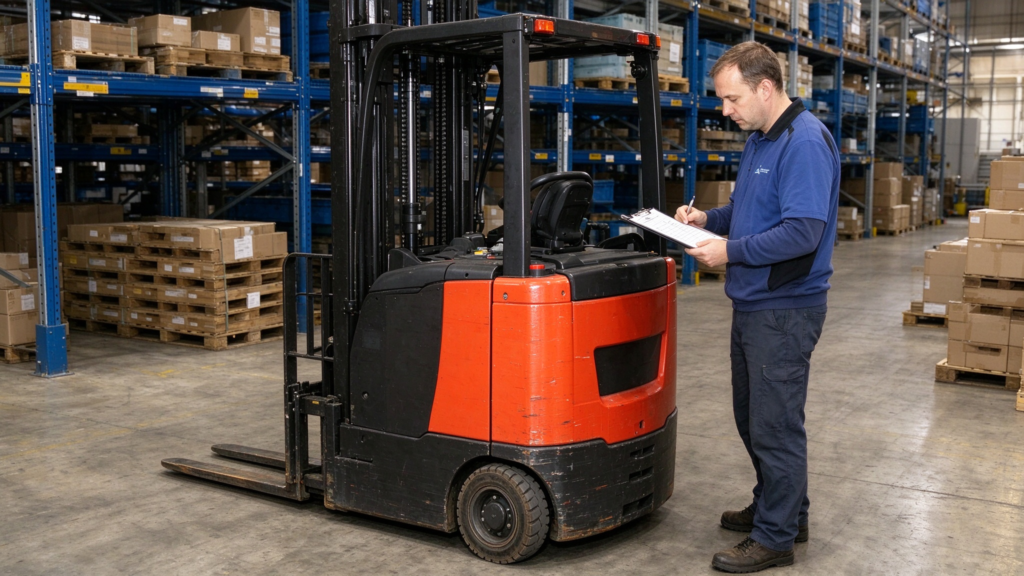
In a clear, controlled area, verify the service braking function using the prescribed test procedure. Check that the equipment slows or stops as expected.
Some stackers use automatic or electrically controlled braking arrangements, so do not assume every model has a separate manual parking brake. Check the functions fitted to the specific unit.
If braking is weak, inconsistent, or abnormal, do not use the stacker.
8.2 Check the Emergency and Operator Protection Controls
Identify the emergency stop, belly-button or reversing safety switch, and other operator protection controls fitted to the model. Not every stacker uses the same arrangement.
Check these functions only using the manufacturer’s prescribed method. Do not improvise a test that could cause unexpected movement or put a person at risk.
A safety device that is damaged or fails its prescribed test is a reason to take the equipment out of service.
8.3 Check Warning Devices and Indicators
Where fitted, check the horn, warning alarms, indicator lights, and display panel. Confirm that visible fault messages are understood and resolved before operation.
A warning device should not be assumed to work simply because the display powers on.
9. Inspect the Control Handle and Electrical Controls
The control handle or operator control station allows the operator to steer, travel, lift, and lower the forks. Its condition directly affects control of the equipment.
9.1 Check the Control Handle
Inspect the handle and accessible controls for visible damage, loose parts, or sticking buttons. Confirm that steering, travel, lifting, and lowering controls respond correctly during the prescribed functional test.
Also check the return-to-neutral behavior and any model-specific operator protection controls, where applicable.
9.2 Check Electrical Indicators and Accessible Wiring
Look for damaged cables, loose covers, abnormal indicator lights, and fault codes. Do not remove electrical covers or probe wiring unless you are qualified and authorized.
If a fault code appears, consult the relevant manual or maintenance procedure rather than assuming the code is harmless.
10. Electric Stacker Pre-Operation Inspection Checklist
Use this checklist as a starting point for a workplace-specific inspection form. Adapt it to the stacker model and the manufacturer’s instructions.
| Inspection item | What to check | Action if a defect is found |
|---|---|---|
| Overall condition | Frame, covers, loose or missing parts | Report structural damage or unsafe components |
| Battery | Charge status, warnings, visible damage | Follow the battery safety procedure |
| Electrical connections | Accessible cables, connectors, enclosures | Do not use with damaged or exposed wiring |
| Forks | Cracks, deformation, wear, alignment | Remove from service if damage may affect safety |
| Mast and lifting components | Visible wear, damage, abnormal alignment | Report defects; keep clear of moving parts |
| Hydraulic system | Leaks, hose damage, abnormal lifting | Stop use if a leak or unsafe function is found |
| Wheels | Wear, cracks, debris, deformation | Report damage affecting travel or stability |
| Travel and steering | Forward/reverse response, steering, neutral behavior | Stop if controls respond abnormally |
| Brakes | Prescribed stopping test | Do not use if braking is abnormal |
| Safety devices | Model-specific emergency and protection controls | Do not use if a required safety device fails |
| Warning devices | Horn, alarms, lights, display | Report required devices that do not work |
| Records and status | Open faults, prior reports, service status | Confirm outstanding issues are resolved |
Before releasing the stacker for use: Make sure the required checks have been completed, any defects have been reported, and the equipment is not subject to an outstanding restriction or repair hold.
11. Common Problems Found During Inspection
Battery or Electrical Problems
Possible signs: Low charge, warning indicators, damaged wiring, or reduced operating time.
Recommended response: Check the display and accessible components according to the manual. Recharge only under the approved procedure. Refer electrical faults or battery damage to qualified personnel.
Hydraulic Problems
Possible signs: Fluid leakage, abnormal lifting speed, jerky movement, or unexpected lifting behavior.
Recommended response: Stop using the stacker if the issue may affect safe operation. Report the symptoms and arrange an assessment by qualified maintenance personnel.
Fork or Mast Problems
Possible signs: Visible cracks, deformation, abnormal noise, uneven movement, or damaged lifting components.
Recommended response: Take the stacker out of service if structural or lifting safety may be affected. Do not attempt to straighten forks or adjust the mast without proper authorization and procedures.
Wheel, Brake, or Control Problems
Possible signs: Damaged wheels, unpredictable steering, abnormal stopping, or controls that stick or fail to respond.
Recommended response: Stop the functional test, secure the equipment according to site procedures, and report the fault before use.
12. What Should Operators Do If They Find a Problem?
A pre-operation inspection is useful only when identified defects lead to the right action.
Step 1: Stop and Secure the Equipment
If a defect could affect safe operation, stop the inspection or test. Lower the forks if this can be done safely, switch off and secure the equipment according to the applicable procedure, and keep others away if necessary.
Do not continue working simply because the stacker can still move.
Step 2: Report and Record the Defect
Record relevant information, such as:
- Equipment identification or model
- Date and time of inspection
- The affected component
- Warning indicators or fault codes
- Abnormal sounds, movements, or other symptoms
Follow the workplace reporting procedure so that the next operator knows the equipment’s status.
Step 3: Arrange Authorized Assessment and Repair
Minor checks may be completed by trained operators if the manual and site procedure permit them. Repairs involving brakes, structural parts, lifting components, hydraulics, or electrical systems should be handled by appropriately qualified personnel.
Do not return the stacker to service until the defect has been resolved and any required inspection or authorization is complete.
13. Best Practices for Electric Stacker Pre-Operation Inspections
Use a Consistent Checklist
Create a checklist suited to each stacker model and work environment. It should identify the required inspection items, the person responsible, the reporting method, and the conditions that require the equipment to be taken out of service.
Train Operators
Operators should know how to recognize visible defects, perform the checks required by the manual, use the controls safely, and report problems. Training should also explain which maintenance tasks operators must not perform.
Keep Inspection and Maintenance Records
Record inspections, identified defects, repairs, and return-to-service decisions. These records help supervisors identify recurring problems and plan maintenance.
Combine Daily Checks With Scheduled Maintenance
Pre-operation checks do not replace periodic servicing. Follow the manufacturer’s maintenance schedule for inspections, lubrication, hydraulic service, battery care, and replacement of worn components.
Adapt the Procedure to the Work Environment
Dust, moisture, cold conditions, uneven floors, and intensive operating cycles can affect equipment condition. Use the manufacturer’s guidance and the site’s risk assessment to determine whether additional checks are needed.
Conclusion
A complete electric stacker pre-operation inspection covers the equipment’s visible condition, battery and electrical system, forks and mast, hydraulic components, wheels, travel controls, brakes, and safety devices. The inspection should be completed before each shift or use, according to the applicable manual and workplace procedure.
The key rule is simple: if a defect could affect safe operation, do not use the stacker until the issue has been assessed and resolved. A consistent checklist, clear reporting process, and reliable maintenance records help support safer and more dependable material handling operations.
For information about LI-UNILIFT material handling equipment, visit LI-UNILIFT. If you need assistance identifying equipment options for your application, contact LI-UNILIFT.
Frequently Asked Questions
1. How often should an electric stacker inspection be performed?
Complete the required pre-operation checks before each shift or use, as specified by the manufacturer’s instructions and workplace procedures. Additional checks may be necessary after an incident, a reported fault, or maintenance.
2. What are the most important parts to inspect on an electric stacker?
Key areas include the overall structure, battery and accessible electrical connections, forks, mast, hydraulic system, wheels, travel controls, brakes, and model-specific safety devices.
3. Can operators perform electric stacker inspections themselves?
Trained operators can usually perform the routine pre-operation checks specified in the manual and workplace procedures. Repairs and specialized tests must be completed by appropriately qualified personnel.
4. Should an electric stacker be used if hydraulic fluid is leaking?
No. A suspected hydraulic leak should be reported and assessed before the stacker is used again. Never use your hand to locate a pressurized leak.
5. What should an operator do if the emergency stop or another required safety device fails?
Stop the inspection or test, secure the equipment according to site procedures, report the defect, and keep the stacker out of service until the issue is resolved and the required checks are completed.
6. Does a pre-operation inspection replace scheduled maintenance?
No. Pre-operation checks help identify visible defects and abnormal functions. Scheduled maintenance and professional servicing are still necessary according to the manufacturer’s instructions.
7. How long does an electric stacker pre-operation inspection take?
The time depends on the equipment, the checklist, and the work environment. Rather than relying on a fixed time estimate, operators should complete every required check carefully before releasing the equipment for use.
Follow LI-UNILIFT MHE for More Material Handling Insights
Explore LI-UNILIFT’s material handling equipment and practical warehouse insights. For product information or equipment selection support, visit LI-UNILIFT or contact our team.